SIGO (S#*t In, Good Out): Structured PDF Analysis for AI-Native Applications
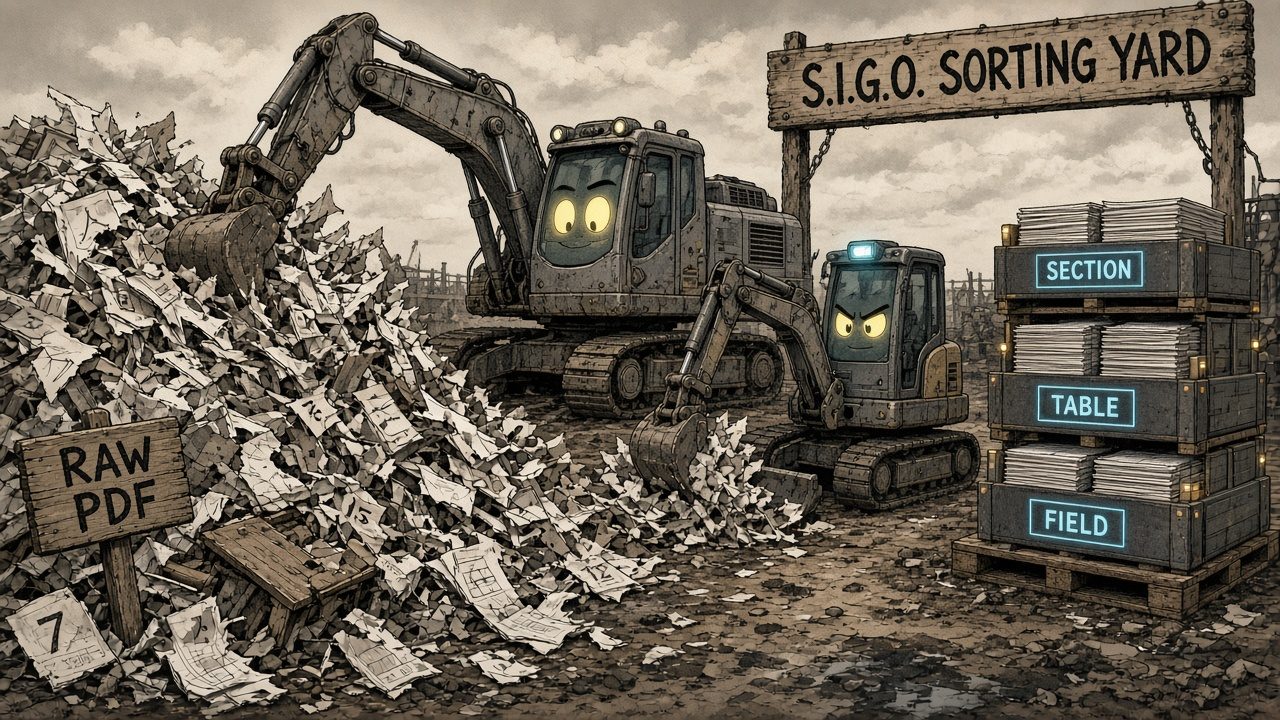
Here is the problem I keep coming back to. Someone writes a long regulatory document in Word, exports it to PDF and publishes it, and the result is laid out so poorly that even smart, experienced people have to read it two or three times before they trust their own understanding of it. Tables break across pages, numbers sit in awkward places, and sections only make sense if you already know what they are for.
And then there is the English language itself, where there, their and they’re all turn up in the same paragraph, and the same word can mean one thing in one section and something quite different in the next. These documents are science-based and expensive to misread, so what we needed from them was not a summary but a reliable, structural, domain-specific interpretation that software could act on.
It gets harder once you notice that different organisations (regulators in different jurisdictions, for instance) work through the same domain with slightly different thought processes, their own local language and context, and their own tailoring, while you still want every one of those documents to land in a single common representation. This post is the story of how we went about that, from plain text extraction, through structured extractors like Docling (an open-source document converter started by IBM Research, which turns a PDF into structured output that keeps the page layout, reading order and table structure), to vision models reading the PDF directly and a small model running on a laptop. In the end it is a comparison of PDF extraction approaches, written at a time when a lot of people are trying to bring AI's advantages into a process that has historically been intensely human.
Where we started: text, then structure, then the PDF itself
Our first attempt was the obvious one. We pulled the text out of the PDF, handed it to an LLM with a production-style prompt, and asked it for the tagged objects in the document. When flat text felt like it was throwing away too much, we tried giving the model structure instead, and once models could read files themselves we tried skipping preprocessing altogether and handing over the PDF. To compare those fairly we ran pdfplumber text, LiteParse markdown, and native PDF bytes into Gemini across two procedure documents (one dense with tables and forms, one shorter and more structured), with Flash and Pro as the model axis.
| Input method | Flash | Pro | ||
|---|---|---|---|---|
| Tagged objects | Tokens in/out | Tagged objects | Tokens in/out | |
| pdfplumber text | 87 | 28,076 / 16,661 | 23 | 28,076 / 3,994 |
| LiteParse markdown | 61 | 27,666 / 13,231 | n/a | n/a |
| Native PDF bytes | 87 | 13,676 / 17,064 | 25 | 27,376 / 4,420 |
If you only look at structure, LiteParse did look stronger than pdfplumber, since it preserved headings, markdown tables and bullets across eight regulatory standards and guidance PDFs. Once we ran the full 2×2 matrix, though, it was clear that model choice dominated everything else, with Flash averaging about 44 tagged objects per document and Pro about 12. The differences between input methods were smaller than the run-to-run variance: Flash ran anywhere from 9 to 53 tagged objects on the same document across runs, and we had not pinned sampling temperature, so please don't read that table as a ranking of the input methods. Whether the model saw flat text, markdown or raw PDF bytes, none of them separated itself from that noise.
Latency pointed the same way. Pro finished in 60–79s against Flash at 151–187s, largely because it emitted roughly 4× fewer output tokens, and going with native PDF meant zero preprocessing dependencies. So for this path we dropped the extractor and handed native PDF bytes straight to the model, and the version we shipped used Gemini 3.1 Pro. Once the model could read the file itself, preprocessing turned out to be a wasted step, and native document input worked as well as babysitting a text pipeline. What moved the result was the reasoning model reading the document, not anything we did to the document before it got there.
Could a small model do the same job on a laptop?
A cloud vision model is not always an option, because privacy, data residency or cost can mean you have to own the layout reasoning yourself. We set up a separate lab to ask a sharper version of the same question: can a small multimodal model (Gemma 4 E2B at 8-bit weights plus an 8-bit vision projector, about 5.5 GB on disk, run locally with llama.cpp) approach OpenAI gpt-5.5 (Responses API; run dated 12 June 2026) on high-stakes multi-page document intake?
Every on-device figure below comes from one Apple M5 Pro laptop with 64 GB of memory. Both builds ran the same command, and only the binary changed:
llama-mtmd-cli -m gemma-4-E2B-it-Q8_0.gguf --mmproj mmproj-gemma-4-E2B-it-Q8_0.gguf --jinja -sys <system prompt> -f <prompt> --image <previous page>,<current page> -c 32768 -n 16384 --temp 0 --seed 42
The two binaries were llama.cpp build b10964 (the Homebrew llama.cpp 0.4.1 package) and build b9553 (an older standalone install). We called each by its full path, because on this machine relying on the shell's search path had quietly switched which build ran.
On one 13-page longitudinal test record, with greedy decoding (temperature 0), Gemma E2B Q8_0 with the engineered pipeline returned 9 sections / 44 line items on b9553 and 10 sections / 63 line items on b10964. The gpt-5.5 baseline returned 10 sections / 53 line items. Within each build the result repeats exactly: five b9553 runs and three b10964 runs, across different seeds, were byte-identical page by page. Across the two builds every page came out different. So “reproducible” here means reproducible for a given build, and the build is part of the result. On b9553 all 13 pages parsed without repair. On b10964, 2 pages came back as malformed JSON and one needed repair. We read the two builds as two draws, and neither is the model's true score. Sections land at 9 and 10 against the baseline's 10, and line items at 44 and 63 against its 53, which are counts only and say nothing yet about whether the structure underneath agrees.
gpt-5.5 baseline at the top for reference. Keep in mind they're just counts, not an accuracy score or a ranking, and they don't tell you whether the structure agrees.| Setup | Sections | Line items | Note |
|---|---|---|---|
OpenAI gpt-5.5 baseline |
10 | 53 | Cloud, single run, 12 June 2026 |
| CLI, b9553, M5 Pro | 9 | 44 | 13 of 13 pages parsed |
| CLI, b10964, M5 Pro | 10 | 63 | 11 of 13 pages parsed |
llama-server, b10964, M5 Pro |
13 | 68 | Temperature 0 |
llama-server, b10964, M1 Pro 16 GB |
11 | 68 | Temperature 0, 6 of 13 pages identical to the laptop |
| First run, temperature unset | 10 | 55 | Build not known |
| Later sampled run | 12 | 47 | Temperature 1.0 (model-file default), build not known |
| All at once, no rails (earlier round) | 5 | 25 | Unpinned sampling, build not known |
The variation doesn't stop at the build. Serving the same model through llama-server instead of the command-line tool changes the prompt by a single newline token, because the command-line tool adds one between the system and user turns and the server does not. At temperature 0 that is enough to change every page. Point the same server build (b10964) at a second Mac, an older Apple M1 Pro with 16 GB of memory, and 6 of 13 pages match the laptop exactly. The rest drift where the model's top two candidates are almost tied, and the counts come out at 11 sections / 68 line items on the second Mac against 13 / 68 on the laptop. If you quote a count from a small local model, quote the build, the serving path and the machine with it.
We also learned to pin the sampling before quoting a count. Our first figure (10 sections / 55 line items) came from a run that did not set a temperature. In both builds we tested, an unset temperature falls back to the value embedded in the model file, which is 1.0, and a later sampled run returned 12 / 47. We can't check which build the first run used. For a fixed build and machine, sampled counts move from run to run while greedy counts do not, so if you are comparing numbers like these, check the decoding settings before you check anything else.
The model on its own was not enough, and most of the improvement came from the engineering around it. All-at-once E2B started at 5 sections / 25 line items. We narrowed that with layout-aware rails: page images at 150 DPI (200 DPI hurt), a sliding window of prior plus current page for cumulative tables, a schema-only prompt, JSON repair, retry, section dedup by name and line-item overlap, and post-processing cleanup. Dynamic and UD quantizations that look fine for chat produced hallucinated section names, while standard Q8_0 stayed clean. Vision-projector precision mattered independently of language-model bits, and when we dropped the projector, whole sections disappeared. These rail findings come from the earlier, unpinned rounds, and we haven't re-run them on either build.
Where the small model still slips, and what fixed it
Digits are still the weak spot, though how weak depends on the build. Checked against the PDF's own text layer, the greedy b9553 run emits 14 of 92 numeric values and 2 of 11 distinct dates that appear nowhere in the document. The b10964 run emits 2 of 152 and 1 of 9, and loses two pages to malformed JSON. These are misread digits rather than missing content. Both builds show the problem, and it can be large or small depending on a build detail you might not think to check.
A hybrid removed the invented digits on both builds. In the hybrid, Docling, the open-source converter I mentioned at the start, first tries to turn each page into structured layout, reading order and tables, and it handles every page it can structure. Only the pages it leaves unstructured go to the vision model, each with that page's text layer supplied alongside the image. On this record Docling structured only 1 of 13 pages, so 12 went to the vision model, and the credit for the clean digits belongs to the text layer rather than to Docling. The hybrid returned 8 sections / 60 line items on b9553 (11 of the 12 pages parsed) and 9 sections / 62 line items on b10964 (all 12 parsed), and the one page Docling structured is not in these counts. Neither build produced a single numeric value or date absent from the text layer: 0 of 124 and 0 of 6 on b9553, 0 of 129 and 0 of 7 on b10964. Each build repeated its own hybrid result exactly. The sections that the lost b9553 page carries in the image-only run all recur on other pages, so it does not explain the drop from 9 sections to 8, and on b10964 the hybrid lost no pages yet still went from 10 sections to 9.
The hybrid has real costs, though. The time cost depends on the build: on b9553 the hybrid took about 12 minutes against about 9 for the image-only run, while on b10964 it took about 14 minutes against about 18, because that build writes much longer reasoning on the image-only prompt. A page that fails at temperature 0 can't be fixed by retrying at temperature 0, because the retry reproduces the same bytes. Grounded digits are also not the same thing as correct attribution, since nobody has audited cell by cell whether each value sits under the right section and date. And because the model was given the text layer, the grounding check partly measures copying.
| Setup | Sections | Line items | Pages parsed | Numbers not in text layer | Dates not in text layer | Wall time |
|---|---|---|---|---|---|---|
OpenAI gpt-5.5 (cloud, single run, 12 June 2026) |
10 | 53 | not recorded | not measured | not measured | about 4 min |
| Gemma E2B Q8_0, all at once, no rails (earlier round, unpinned) | 5 | 25 | not recorded | not measured | not measured | not measured |
Gemma E2B Q8_0 with rails, llama.cpp b9553 |
9 | 44 | 13 of 13 | 14 of 92 | 2 of 11 | about 9 min |
Gemma E2B Q8_0 with rails, llama.cpp b10964 |
10 | 63 | 11 of 13 | 2 of 152 | 1 of 9 | about 18 min |
| Hybrid (text layer to vision model on 12 pages), b9553 | 8 | 60 | 11 of 12 | 0 of 124 | 0 of 6 | about 12 min |
| Hybrid (text layer to vision model on 12 pages), b10964 | 9 | 62 | 12 of 12 | 0 of 129 | 0 of 7 | about 14 min |
The on-device rows with a build named all come from the same laptop through llama-mtmd-cli at temperature 0, and their wall time counts only the time spent in the vision model. Pages parsed counts the pages the vision model was asked to read, so the hybrid rows are out of 12 because Docling structured the thirteenth page itself.
So layout reasoning is not reserved for large cloud vision models, but a small on-device model is not a drop-in replacement either. At temperature 0 it returned 9 sections on one llama.cpp build and 10 on the other, against 10 for a named baseline (gpt-5.5, June 2026), and 44 and 63 line items against the baseline's 53. Those are counts, not a check that the structure agrees, and the model's real weakness is digits read off pixels. Where your PDF has a text layer, hand it to the model alongside the image instead of asking it to re-read the numbers; on one record, and on both builds, the output then held no value or date absent from the page's text layer, although that does not prove each value is attached to the right item. You should also budget for wall time of about 9–18 minutes on-device depending on build (about 12–14 with the hybrid) versus a few minutes in the cloud.
Then we met JEV
A new kind of consumer changed the question again. We started working with JEV, a small decision model that makes typed judgments over JSON fields. What matters here is that there is no way to hand JEV a PDF. It only ever sees state that something else has constructed for it, so the vision-model approach we had settled on no longer applied and extraction quality became a live variable again. We compared five extractors on eight publicly published regulatory standards and guidance documents, and we were not asking which one dumps the nicest markdown. We wanted to know which one returns structured table and section objects you can trust enough to reason over numeric limits.
| pdfplumber | PyMuPDF native | Unstructured hi_res | Docling | Marker | |
|---|---|---|---|---|---|
| Tables detected | 354 | 144 | 184 | 194 | 184 |
| Total rows | 1708 | 534 | 1026 | 835 | 980 |
| Fraction-glyph defects | 2 | 2 | 0 | 0 | 0 |
| Total time (8 docs) | 10.7s | 10.6s | 627.6s | 332.8s | 380.1s |
One early mistake is worth sharing. Our first pass compared flattened text, which understated libraries that already expose grids (for example pdfplumber's extract_tables()) and overstated markdown exports. The numbers in the table come from each library's structured object instead: table grids, row and cell counts, fraction-glyph defects, and wall time over the same eight documents.
More tables is not automatically better. pdfplumber's 354 includes a 124-table outlier on one guidance document, where a ruling-based detector fragments what Docling and Marker treat as roughly 28–29 logical tables. That is over-segmentation rather than deeper coverage, so read the row counts and the worked example below alongside the totals, not the totals on their own.
The table that decided it
One national regulation table carries maximum work and minimum rest hours, which is exactly the kind of numeric compliance content a typed consumer exists to reason about. The extractors split on whether the grid and the cell text both survived:
- pdfplumber produced the correct 4-column grid, but stacked fraction glyphs split across a cell line break, so
5½ hoursbecame51/ hoursplus a stray2. - Unstructured hi_res had strong topology (including rowspan), but its cell text came from OCR on a rendered image (
5'/> hours, missing spaces, HTML entities), and it was the slowest option at about 78s per document. - Docling gave us the correct grid, clean cell text at the structured-cell level, explicit span metadata, and page plus bbox plus charspan provenance on items.
- Marker was equal or slightly ahead on numeric precision (MathML fractions), using hybrid PDF-text and targeted OCR (26 of 30 tables in that document never touched OCR). Its real costs were a local
llama-serverdependency that failed until we pointed it at a working binary, and model weights that are free only under a funding or revenue threshold.
That is why we prefer Docling when you need tables that are correct, provenance-tagged, and free of license gates on both code (MIT) and model weights (CDLA-Permissive-2.0 / Apache-2.0). Whichever extractor you use, hand the consumer typed blocks (heading, paragraph, table-with-cells-and-locator) rather than a flattened markdown string.
We ruled the others out for specific reasons. PyMuPDF brings AGPL exposure, and its native table finder silently missed whole tables on borderless or lightly ruled pages in this corpus (zero tables on one code of practice where pdfplumber found 68). Unstructured hi_res gives you topology without trustworthy cell text when the exact number matters, and it took 627.6s across eight documents. pdfplumber on its own is worth keeping as a fast path for simple content, but not as the primary option for tabular compliance data unless you add fraction reassembly. Marker is technically competitive, but its operational fragility and revenue-gated model license make it a business decision rather than a pure engineering win.
What we're playing with next
Working with JEV brought me back to the jurisdiction problem from the start of this post, and it has turned into the thing we're experimenting with now. The idea is to stop asking one model to read the document and understand the domain in the same breath, and to split the job into stages instead:
The first stage only has to get the layout right, so it doesn't need to know anything about the domain or about how any one organisation likes to write. JEV then makes the narrow tagging judgments, which is the kind of work a small decision model is good at, and the tagged structure is what should let documents from different jurisdictions land in the same common representation. The question mark is the honest part, because the step that turns tagged structure into a proper domain model is the one we haven't worked out yet, and I don't know whether the whole chain holds up. It's where the experiments above have pointed us, and I'll write it up once we know more.
How the pieces fit together
If you are facing the same kind of document, here is how I would read these experiments together. When your consumer can swallow native PDF bytes, preprocessing is optional, and the model you choose matters far more than the extractor in front of it. When your consumer only sees constructed state, prefer extractors that return grids and locators, which for us meant Docling. When you have to own layout reasoning yourself (for privacy, residency or cost), engineer the vision loop, pin its decoding, and hand it the text layer where one exists, because you should not expect a raw 2B dump to invent structure or read digits reliably.
What these numbers don't prove
There are a few limits worth knowing before you take any of this into your own pipeline. The first round counted tagged objects and tokens, which is good enough for picking a pipeline but says nothing about whether a domain expert would sign off on every object. The counts also moved around a lot between runs (Flash gave anywhere from 9 to 53 on the same document), and that tells you more about how stable the prompt was than about the input format.
In the extractor comparison we counted tables and rows as they came out rather than grading every cell, although we did check the worked example cell by cell. We haven't yet run JEV's typed judgments against each extractor's output side by side, and that is the obvious next test once that layer is wired up for a live comparison. We also left cloud OCR services out. They are often better on handwriting and messy scans, but for regulatory source material they raise questions about where the data lives, what it costs and what you now depend on.
The small-model lab is a single 13-page document, so read it as a signal from one record, not a benchmark. Every figure I've called reproducible was run with the temperature pinned at zero (--temp 0), and is reproducible only for the stated llama.cpp build and machine. The gpt-5.5 numbers come from a single run in June 2026 that we haven't repeated, and the earlier unpinned on-device figure has been replaced by the pinned one above.
Sources
- Docling, docling-project/docling:
https://github.com/docling-project/docling - pdfplumber, jsvine/pdfplumber:
https://github.com/jsvine/pdfplumber - PyMuPDF, pymupdf/PyMuPDF:
https://github.com/pymupdf/PyMuPDF - Unstructured, Unstructured-IO/unstructured:
https://github.com/Unstructured-IO/unstructured - Marker, datalab-to/marker:
https://github.com/datalab-to/marker - Gemma 4 E2B (upstream), Google Gemma:
https://ai.google.dev/gemma - llama.cpp /
llama-mtmd-cli, builds b9553 (9e3b928fd) and b10964 (b29c606e2), ggml-org/llama.cpp:https://github.com/ggml-org/llama.cpp - OpenAI
gpt-5.5via Responses API (vision baseline for the June 2026 on-device compare).
A Front Door for Founder Submissions, Built with SAVA-P
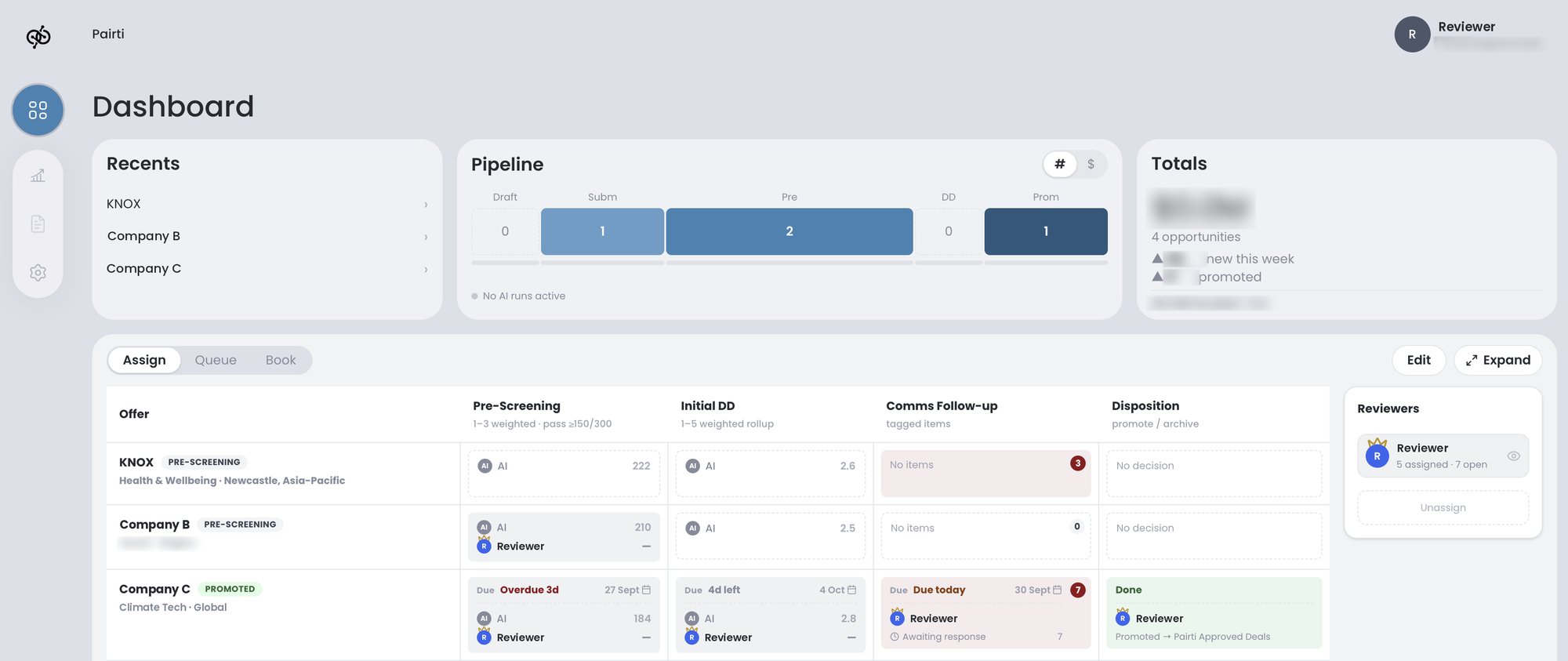
SAVA-P needed a front door for founder submissions, and Pairti built SAVA-F with them. These screens come from Pairti’s own workspace, running a submission from Knox, one of Pairti’s own portfolio companies.
Read Article
The Padded Room: Engineering a Safe Space for AI Agents
AI models are confident but prone to hallucination. Learn how we use strict internal standards and "padded room" configurations to turn chaotic potential into reliable engineering.
Read ArticleStart with a Diagnostic
A Diagnostic is a short, scoped engagement. We sit with your stack, your risk, and your readiness, and we write down what we find.
Ask about a Diagnostic